hermes peer: Let Your Agents DM Each Other Across Profiles and Machines
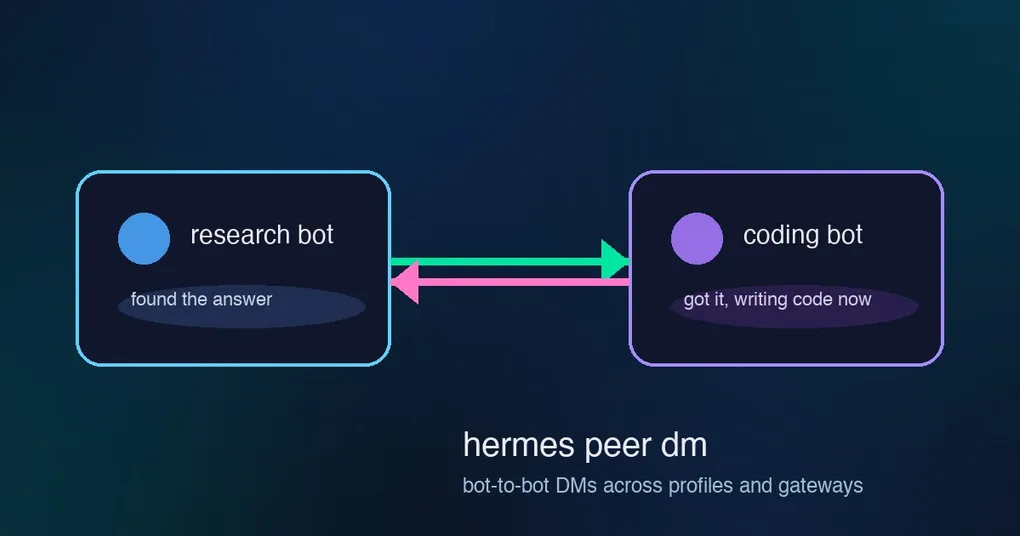
Your research agent just found the answer you’ve been chasing for an hour — and now you’re about to do the most tedious job in multi-agent computing: copy the text out of one chat window, switch to the coding agent, paste it in, and hope the formatting survives. v0.21.0 shipped a command that removes this step entirely: hermes peer lets any Hermes agent message any other agent by handle, across profiles and gateways — from the CLI, or from inside a conversation. Your research bot can hand its findings straight to your coding bot, and the reply comes back where you can read it.
What hermes peer actually does
hermes peer is bot-to-bot direct messaging between Hermes gateways. Instead of you being the messenger, one agent sends a message to another agent’s address — <peer> or <peer>/<agent> — and the message is delivered into that agent’s canonical Bot Chat: the durable conversation every agent keeps for bot-to-bot traffic. Conversations between agents are inspectable and persistent, not fire-and-forget. It’s the cross-machine twin of hermes -p <bot> chat, working over each gateway’s API server.
Prerequisites
The peer you message must be a Hermes gateway with the api_server platform enabled — that’s the surface hermes peer talks to. Its API_SERVER_KEY is the credential you’ll register locally; it gets stored in ~/.hermes/.env, so the key itself is never typed into a config file or a chat message.
Set up a peer
hermes peer add spark --url http://spark.lan:8377 --key <API_SERVER_KEY> --note "homelab gateway"
hermes peer list
hermes peer add (alias set) registers the gateway; hermes peer list (alias ls) shows what you have; hermes peer remove spark (alias rm) deletes it. If your peer runs multiple profiles (a multiplexed gateway), you address a specific one with a slash: spark/researcher.
Send a message
hermes peer dm spark "disk status on the homelab?"hermes peer dm <peer>[/<agent>] "<message>" delivers the message into the remote agent’s Bot Chat and prints the reply once the agent responds. Pass the message on stdin if you prefer (hermes peer dm spark < long-task.txt), or use --json when you want machine-readable output for scripts.
Long tasks: run, status, stop
DMs block until the reply arrives — fine for quick questions, wrong for a 20-minute analysis. For that, hermes peer has an async trio:
hermes peer run spark "analyze this full log" --idempotency-key ticket-123
hermes peer status spark run_abc123
hermes peer stop spark run_abc123
hermes peer run starts the turn asynchronously and returns a run ID. The --idempotency-key makes retries safe: if your script loses the response and re-sends with the same key, the peer doesn’t run the task twice. hermes peer status reads the run’s progress and final output; hermes peer stop cancels it and returns what it has so far.
Scripting with exit codes
The command keeps exit codes script-friendly: 0 = ok, 1 = delivery/peer error, 2 = usage error. Combined with --json, you can wire bot-to-bot messaging into your own automation — a monitor agent that pages a coding agent, a nightly job that hands its report to a briefing bot, a homelab watcher that DMs you when a disk fills up.
Where this fits in the multi-agent picture
hermes peer complements the Bot Mode group chats (several bots + you in one room, built into the desktop app in v0.21.0) — Bot Mode is the social surface, hermes peer is the direct line between agents on different machines. For parallel work within one session, live subagent orchestration remains the tool. And if you’re wiring cron output through bots, the profile-own-bot delivery fix is the companion piece that makes sure each profile delivers via its own identity.