skills.create_dir: Make New Skills Land Where Your Config Says — Not Where the Prompt Gets Ignored
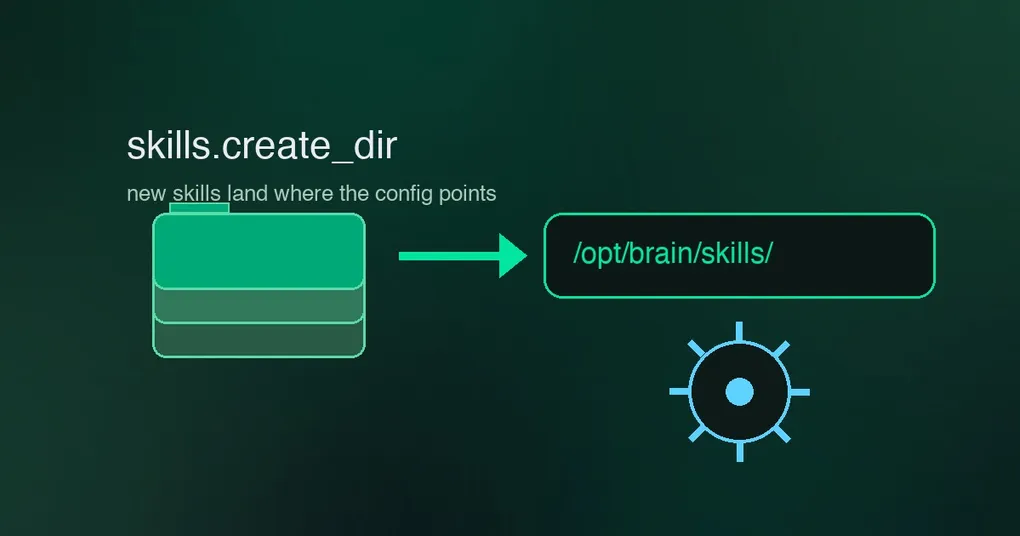
You run a team vault at /opt/brain/skills, so you told your agent in the system prompt: “create new skills in /opt/brain/skills.” It nodded, and then skill_manage wrote every new skill to ~/.hermes/skills/ anyway — because the tool’s code doesn’t read your prose. One community operator got so tired of this that he chmod-ed the local skills directory read-only just to force the agent to obey; the OS error out-argued the system prompt. A fix merged on September 1 (PR #100377) ends this tug-of-war for good: the new skills.create_dir config key routes agent-created skills to any directory you choose — and every instruction that names the creation path, from the skill_manage tool schema to the prompt text itself, now renders your configured directory. The tool, the prompt, and the config finally agree.
Why a prompt instruction can’t do this
The creation path for skill_manage was hardcoded to the profile-local skills directory (~/.hermes/skills/). You can write whatever you like into a system prompt, but the tool implementation reads configuration and paths, not intent. When the human said “put skills in /opt/brain/skills” and the tool wrote to ~/.hermes/skills/, the skill still got created, found, and used — so nothing failed loudly; the mismatch just silently accumulated skills in the wrong place, which then had to be moved by hand. The read-only-directory hack “worked” only by making the default path fail, which is a terrible way to enforce policy.
The fix: one config key, and the instructions follow
Add this to ~/.hermes/config.yaml:
skills:
  create_dir: /opt/brain/skills
That’s the whole setup. Now:
skill_managecreates new skills there — the tool’s_resolve_skill_dir()targets the configured directory (it mkdirs the path on first write, so the directory doesn’t need to exist yet).- Every instruction that names the path follows along. The
skill_managetool schema description, the prompt text, and the docs all render the configured directory viadisplay_skill_create_dir()— so the agent sees “new skills land in /opt/brain/skills/” in its own tool documentation, not a stale hardcoded path. ~and${VAR}are expanded, and relative paths resolve againstHERMES_HOME— socreate_dir: team-skillsmeans$HERMES_HOME/team-skills.- A value that resolves to the default local directory is treated as unset (that’s already the behavior), so you can’t accidentally configure your way into the same path.
Discovery, trust, and the read-only scenario
A skill is only useful if the agent can find it again. When skills.create_dir is set, the directory is folded into the skill search order right after the local skills dir (with dedup against external_dirs) — skills created there are discovered, trusted, and patchable in place. The read-only hack that started this whole story also stops being necessary: with create_dir pointed elsewhere, a read-only local skills dir no longer blocks creation at all, because the tool never touches it.
One precedence note: trusted project-local skills (a repo’s own .hermes/skills/ — see our project-local skills guide) keep higher precedence than the local dir, and that doesn’t change.
Where to point it
- A team vault checked into git (
/opt/brain/skillsor a repo subdirectory): every agent on the machine — and across machines via sync — creates into the shared vault, and the skills are versioned and reviewed like code. - A scratch or workspace dir: keep
~/.hermes/skills/clean for hand-tuned skills and let experiment-created skills land somewhere disposable. - A multi-profile home: point
create_dirat a shared location so skills created under any profile are visible to all of them.
Release status
skills.create_dir was merged on September 1 (PR #100377, salvaging community work by @giwaov with naming from @Frosti7) and is on main — it shipped after the v0.21.0 tag (released August 31), so it is not in v0.21.0; it will arrive with the next release. For the wider skills ecosystem, see our top 8 skills guide and the desktop Skills Hub post.